Login & Password Setup
First-time login
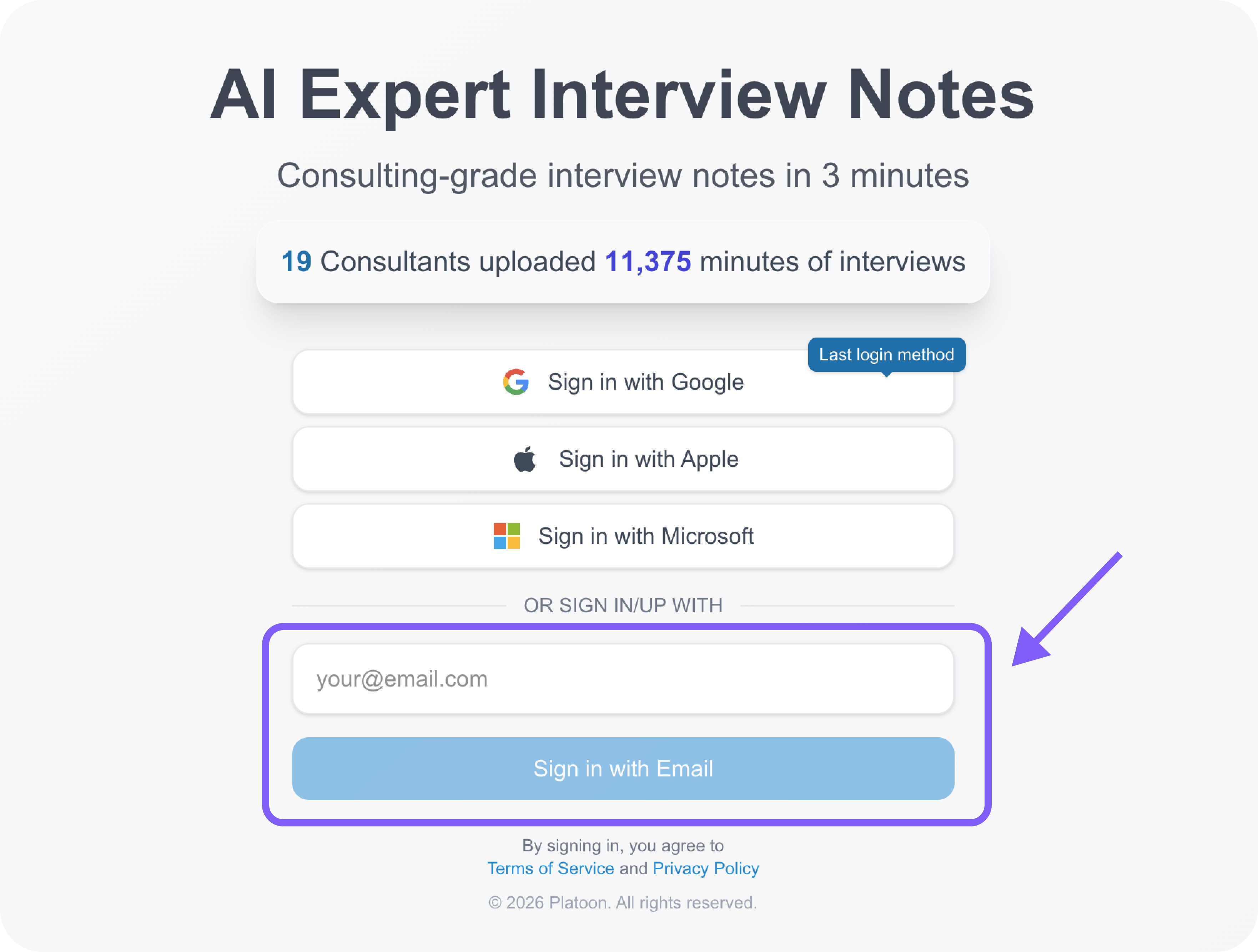
If you want to log in directly, simply enter the email address on the login screen at https://app.pltn.ai
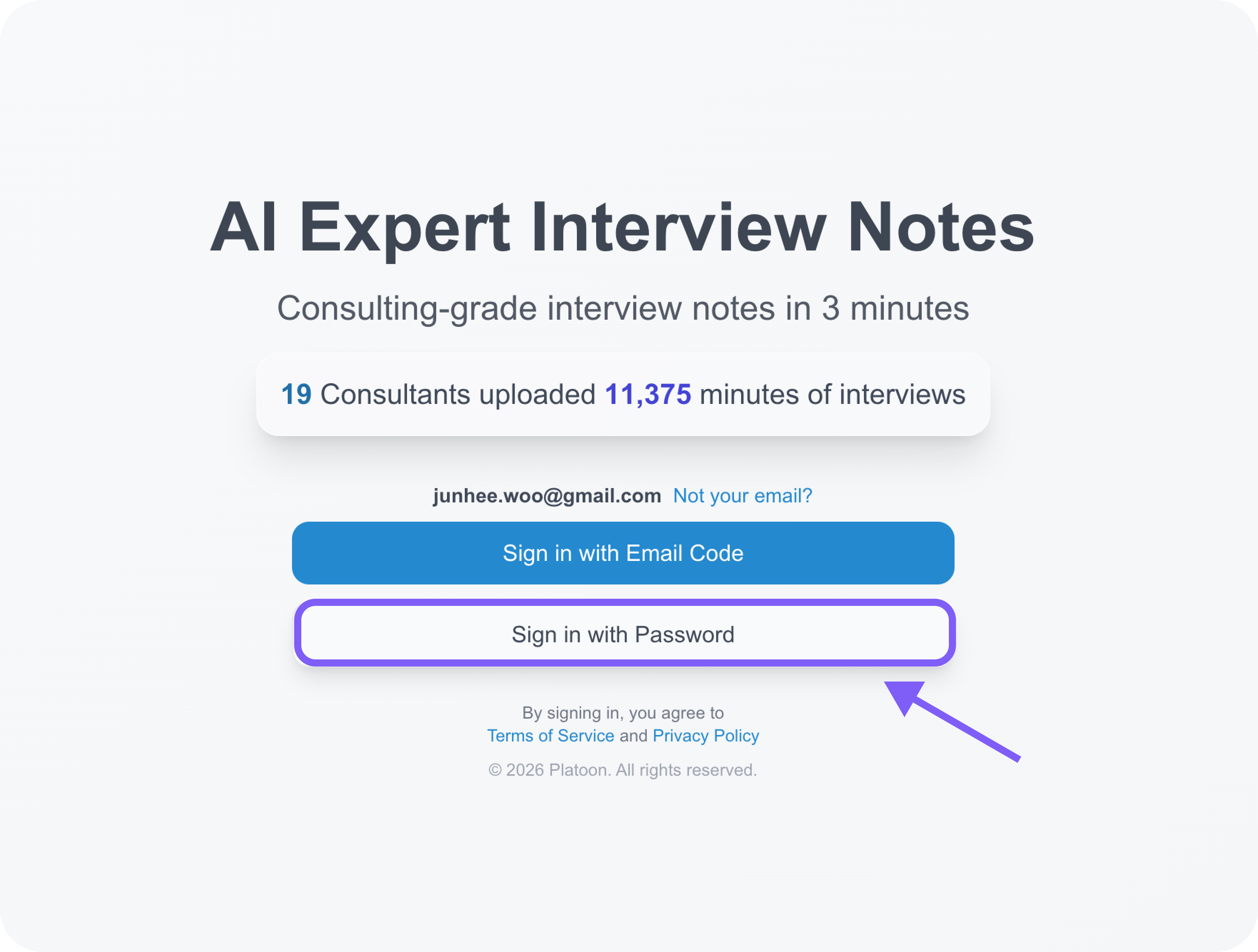
Select Sign in with Password to log in using the password you entered above.
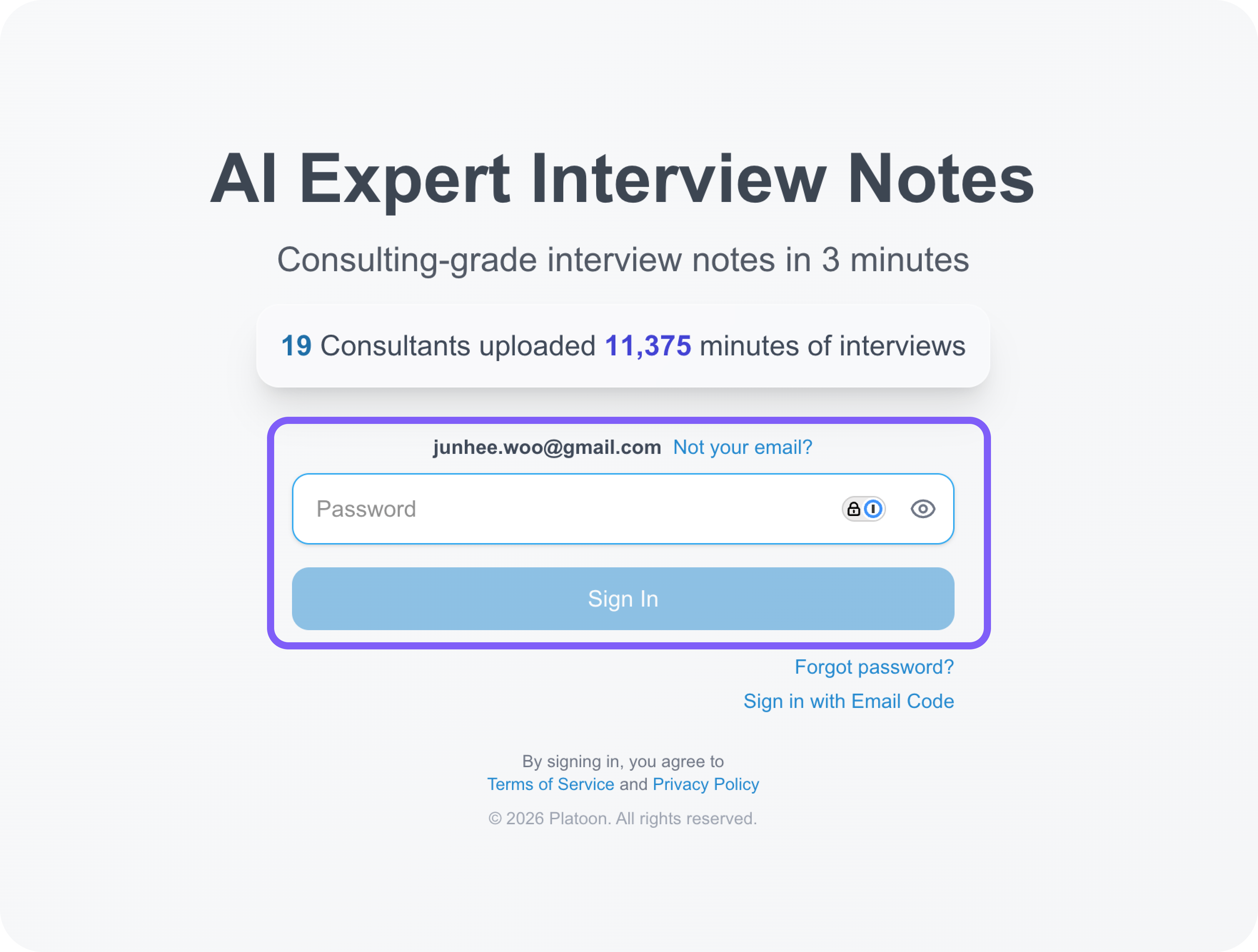
Try logging in using the password you entered above.
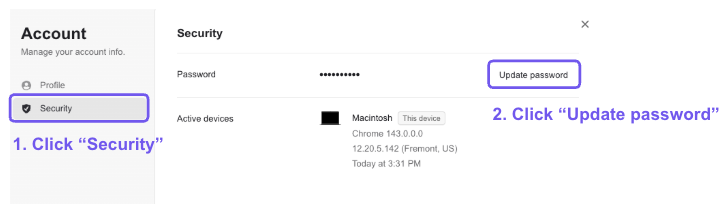
Changing the password
When you receive your username and password as part of the onboarding process, we recommend changing your password.
To do so, click the “Manage account” button under your profile avatar.
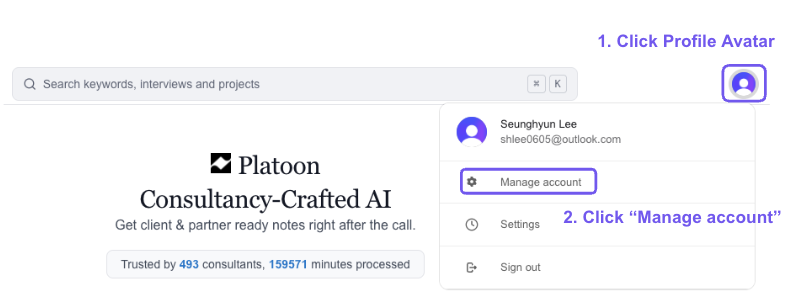
Then, navigate to the “Security” menu, where you’ll find the “Update password” option. You can provide the new password and hit “Save” button.