Scheduling Expert Interviews
Table of Contents
1. Personalized Interview Scheduler
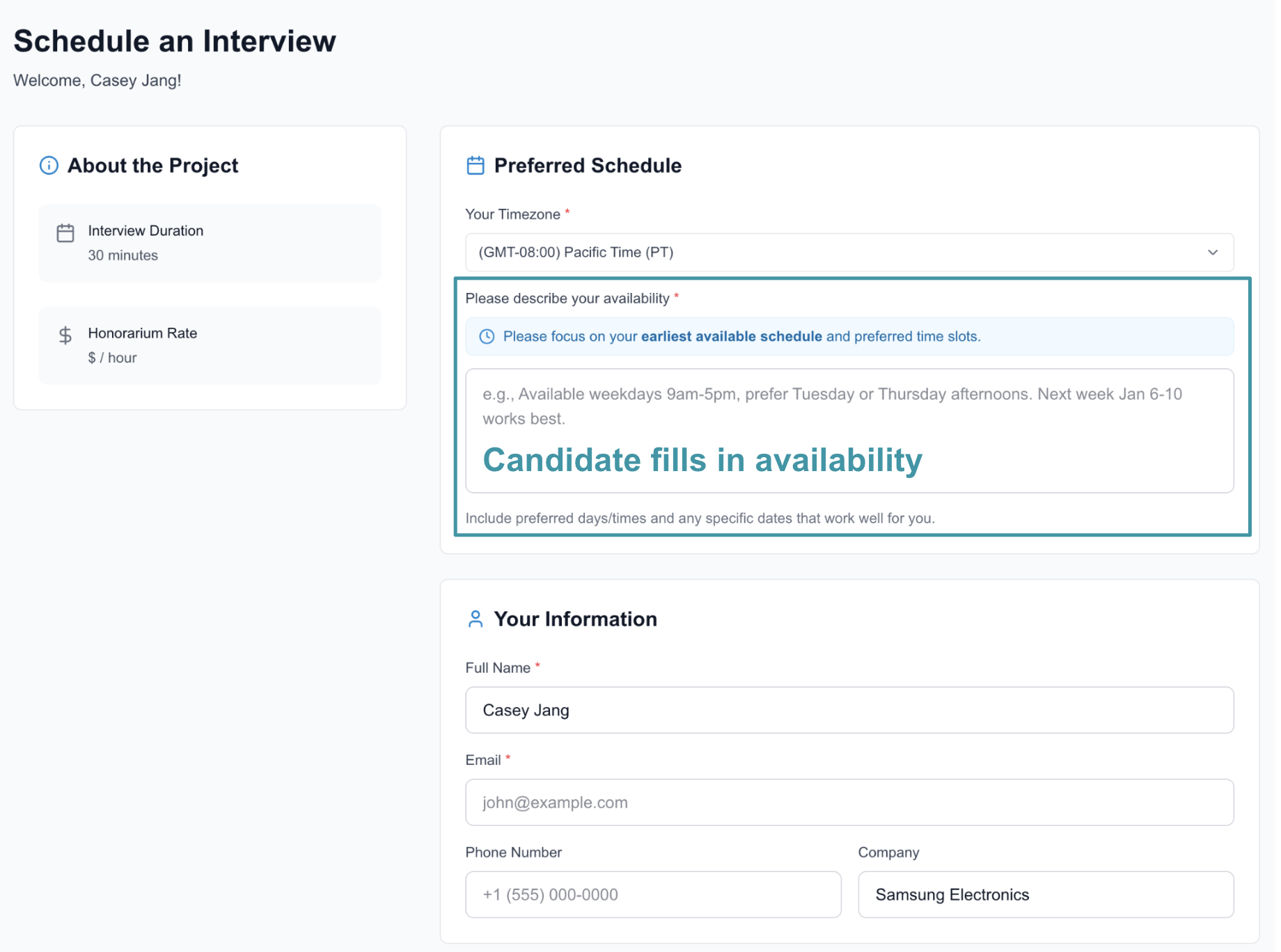
For each interview candidate, we generate a unique URL where they can submit their information, including availability, email address, and phone number.
You can share this unique URL with the interview candidate so they can provide their availability and contact details.
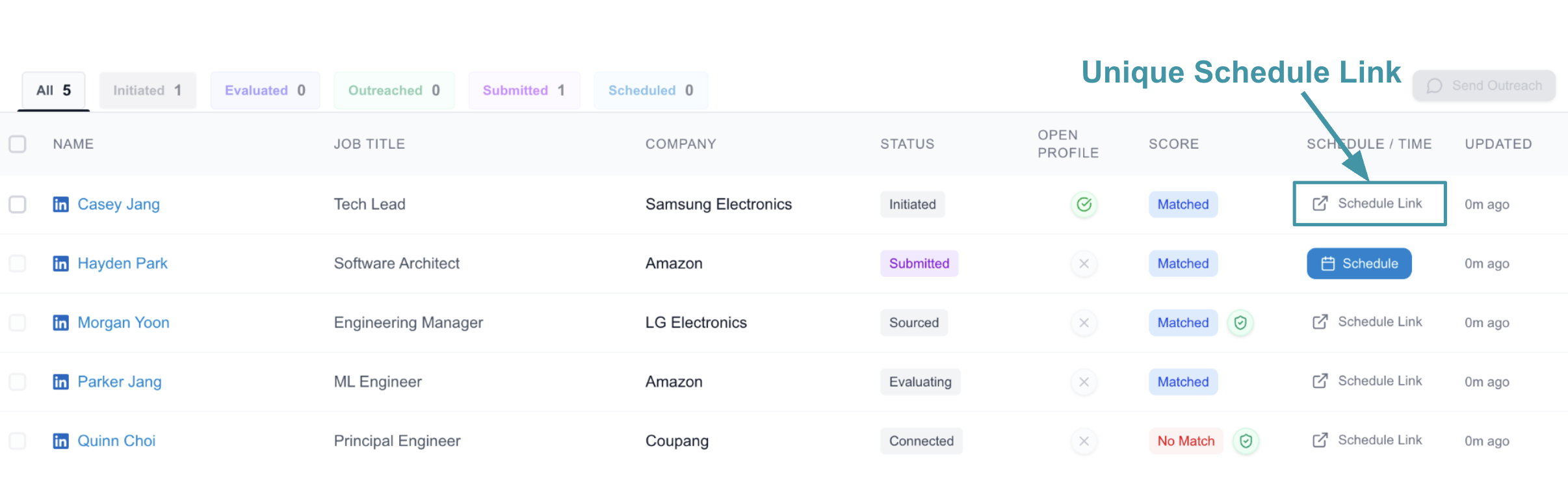
Once the candidate submits the information, the candidate’s status in the tracker changes to submitted****.
2. Schedule a Meeting
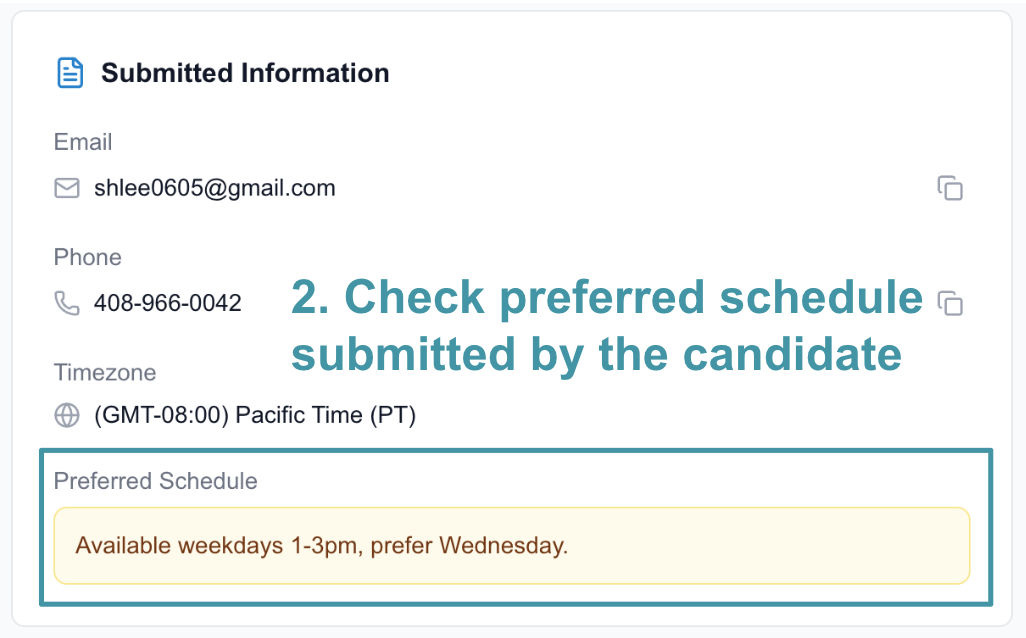
Once the candidate’s status is submitted, the Schedule button becomes active, allowing you to create a meeting.
On the scheduling page, you can review the candidate’s preferred availability and other submitted details. Based on this information, you can select a time and create the meeting.

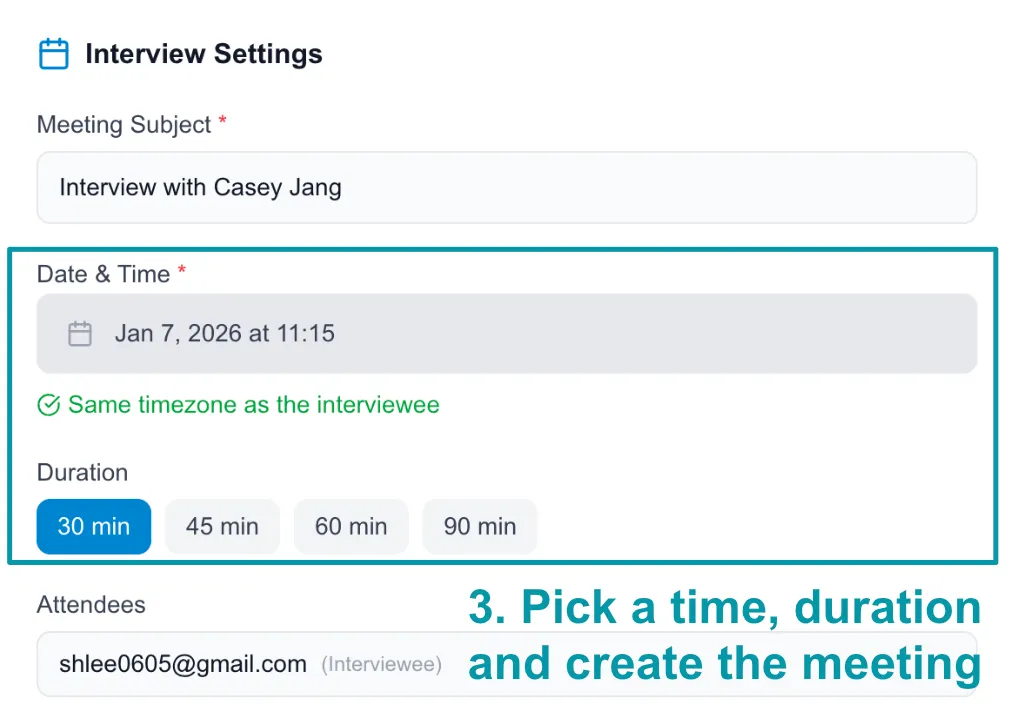
After you confirm, we automatically create a calendar event and send the meeting invitation to the candidate via email.
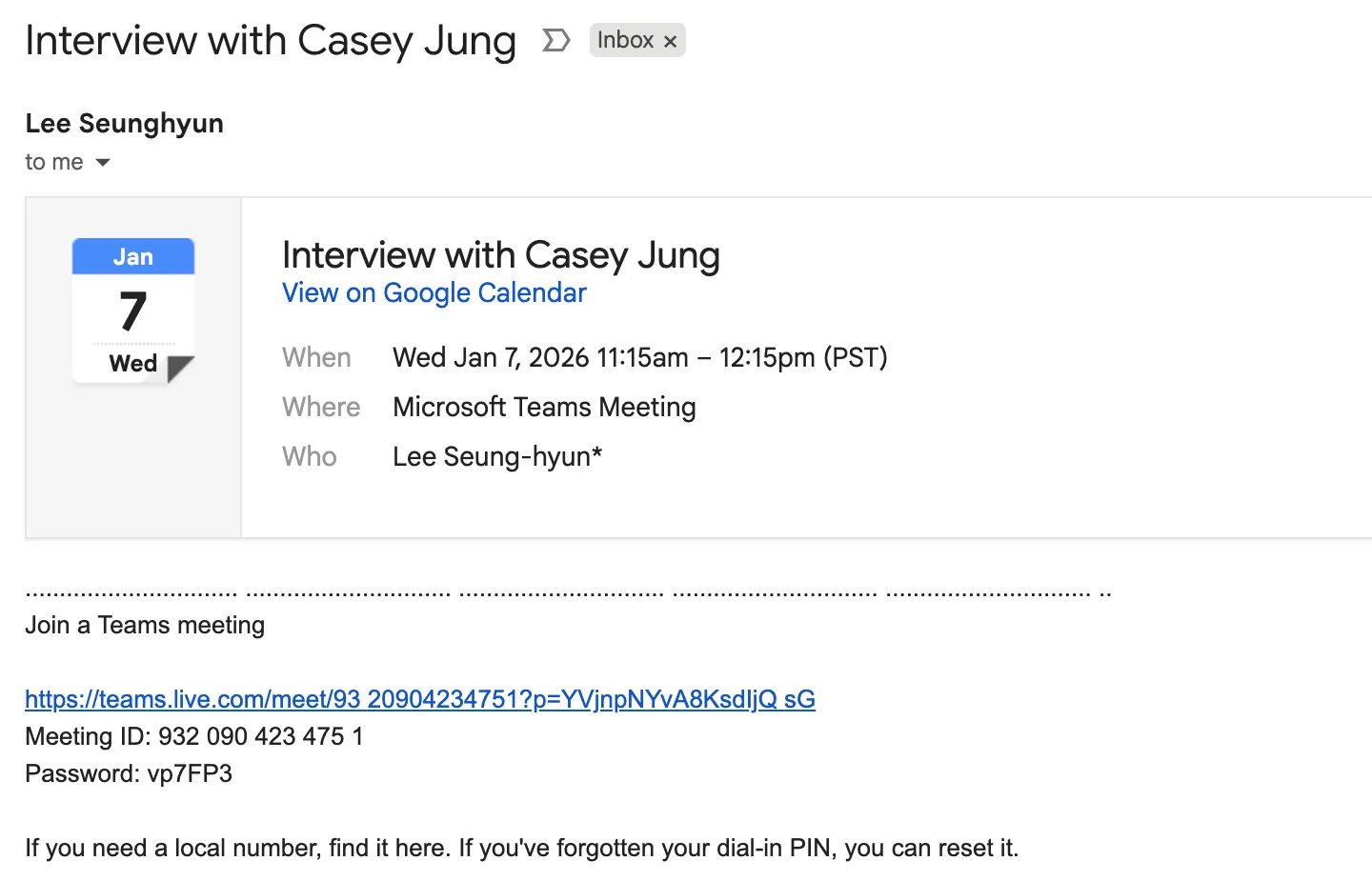
3. Join to the Meeting
For the scheduled meeting, simply join using the calendar event as you normally would.
Once the meeting starts, Cabos Notetaker will automatically join and request your permission.
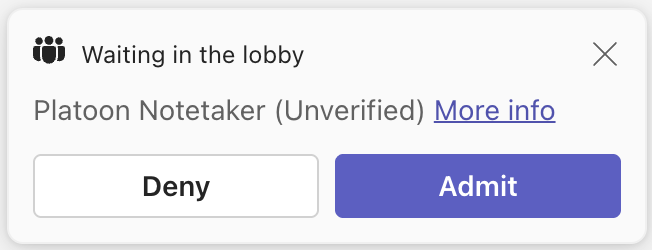
After you admit the notetaker, it will begin transcribing the meeting and automatically generate interview notes.
The notes will be available in the interview tracker under Interviews in the sidebar.

Next step: link