Starting Your First Project
Once you login, you will see the list of projects. You can click New Project button to start to create the project.
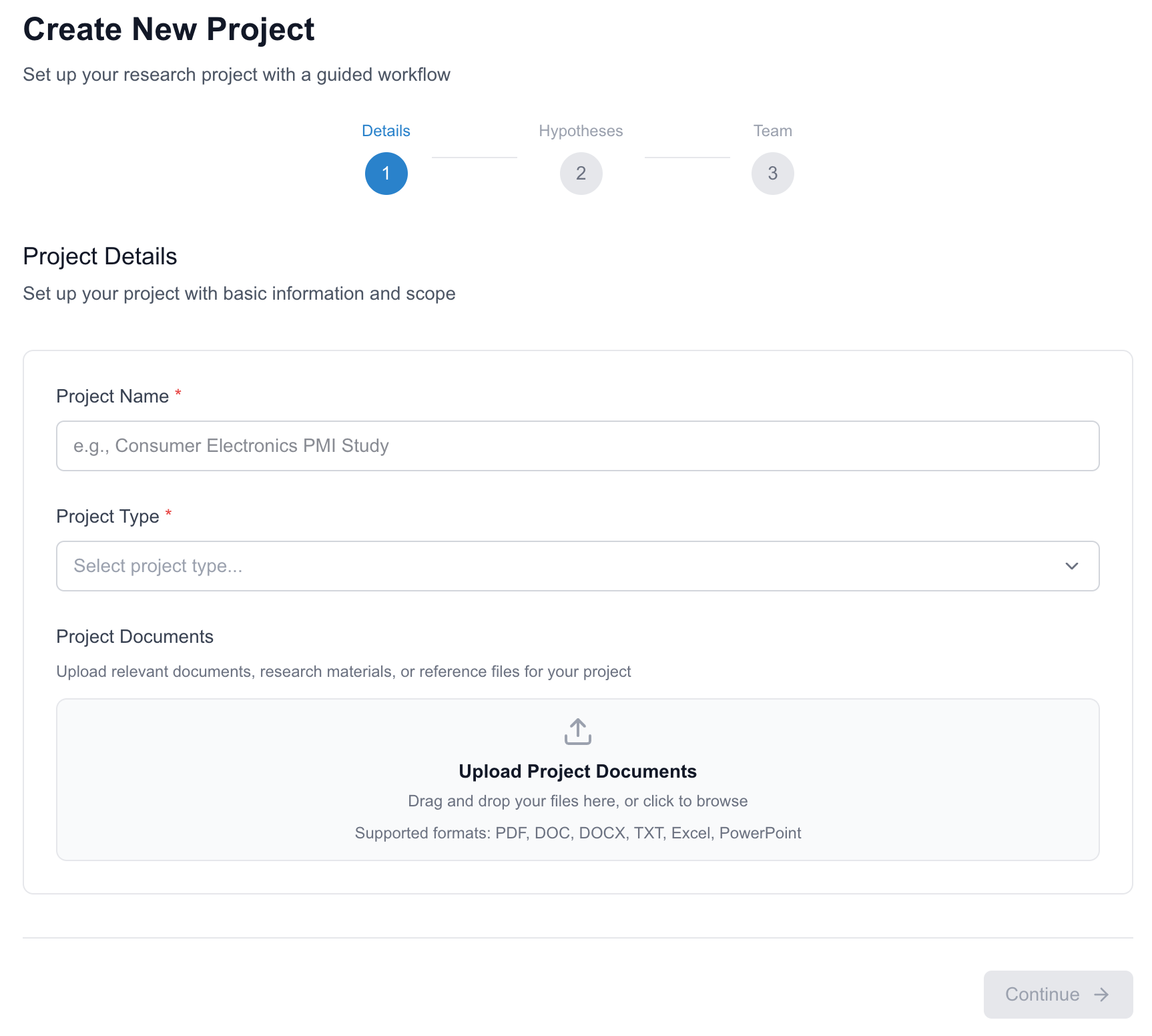
Step 1. Project Details
-
Project Name: Enter a descriptive name for your research project that will be used to identify it throughout the platform.
-
Project Type: Select the research category (e.g., Commercial Due Diligence, Market Research) to optimize the interview notes.
-
Project Documents: Upload relevant background materials (PDF, DOC, DOCX, TXT, Excel, PowerPoint) to provide context for your team. Step 2. Key Hypotheses
-
List the assumptions you want to validate through expert interviews Step 3. Invite Team Members
-
Add collaborators by email. They will receive invitations to join and contribute to the project.
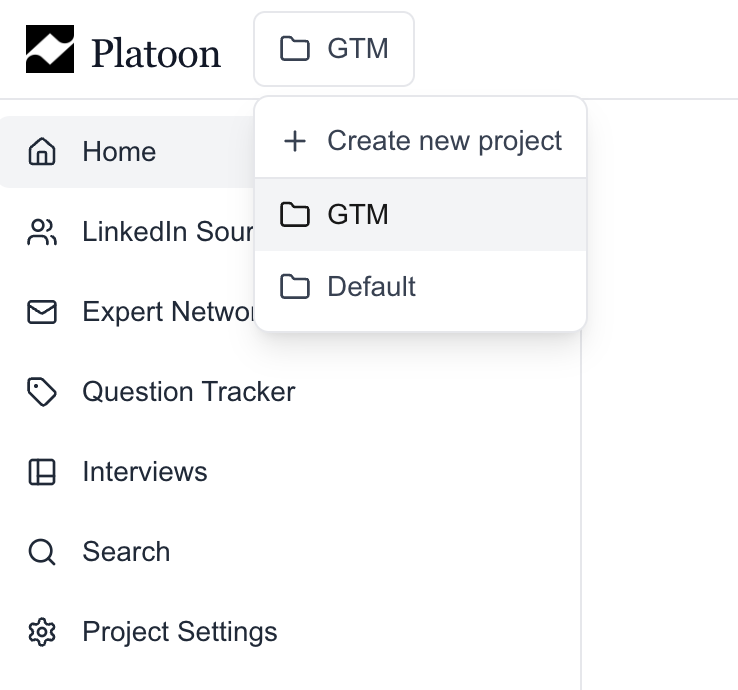
Once you successfully created the project, you're ready to go! Note that you can switch between projects using the project navigator in the top navigation bar.
Next Step: link